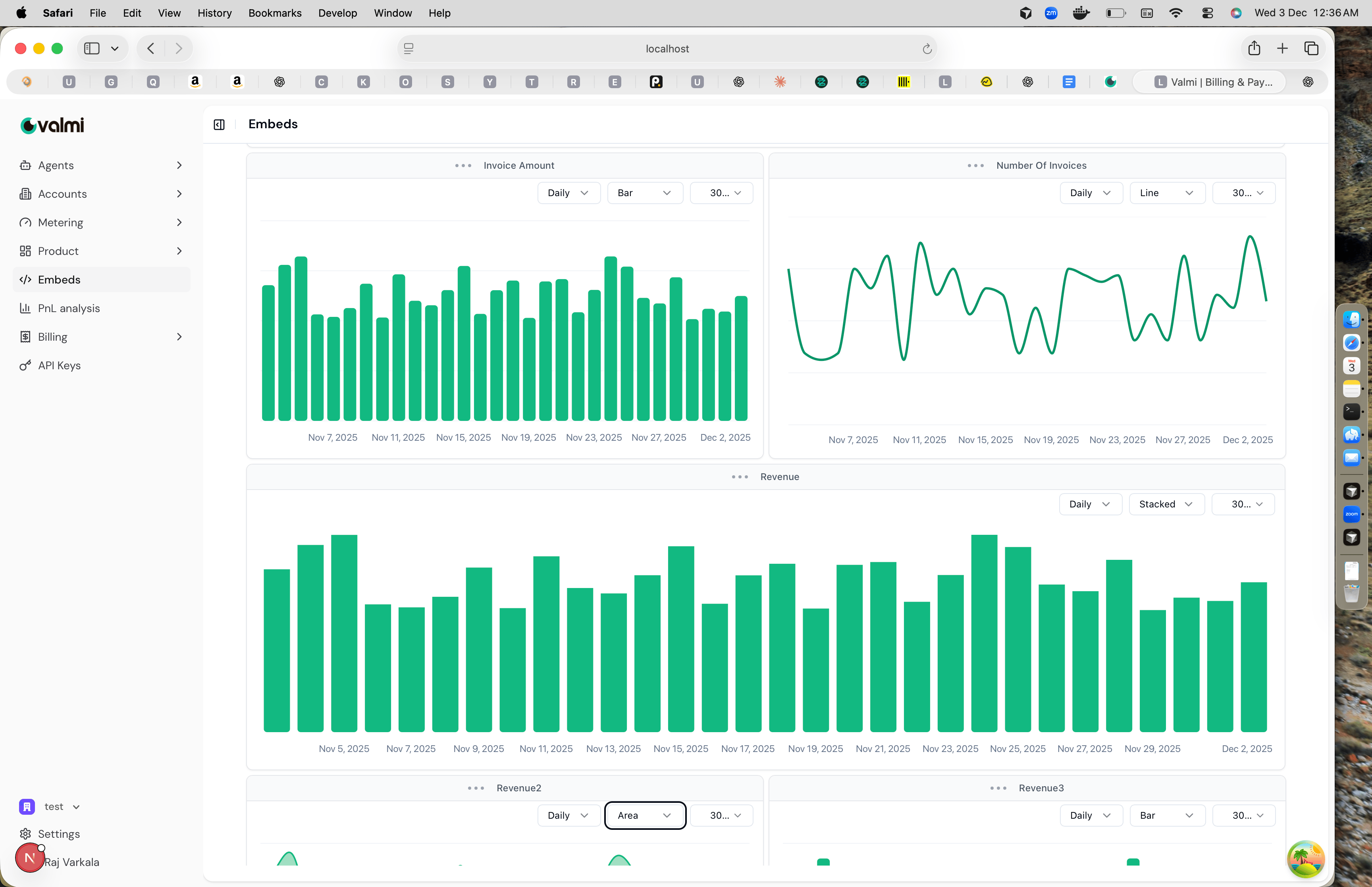
Create Customer Dashboard
Create custom dashboards for customer accounts and share them through secure magic links.Step 1: Go to Customer Dashboards
Navigate to Embeds in the left sidebar.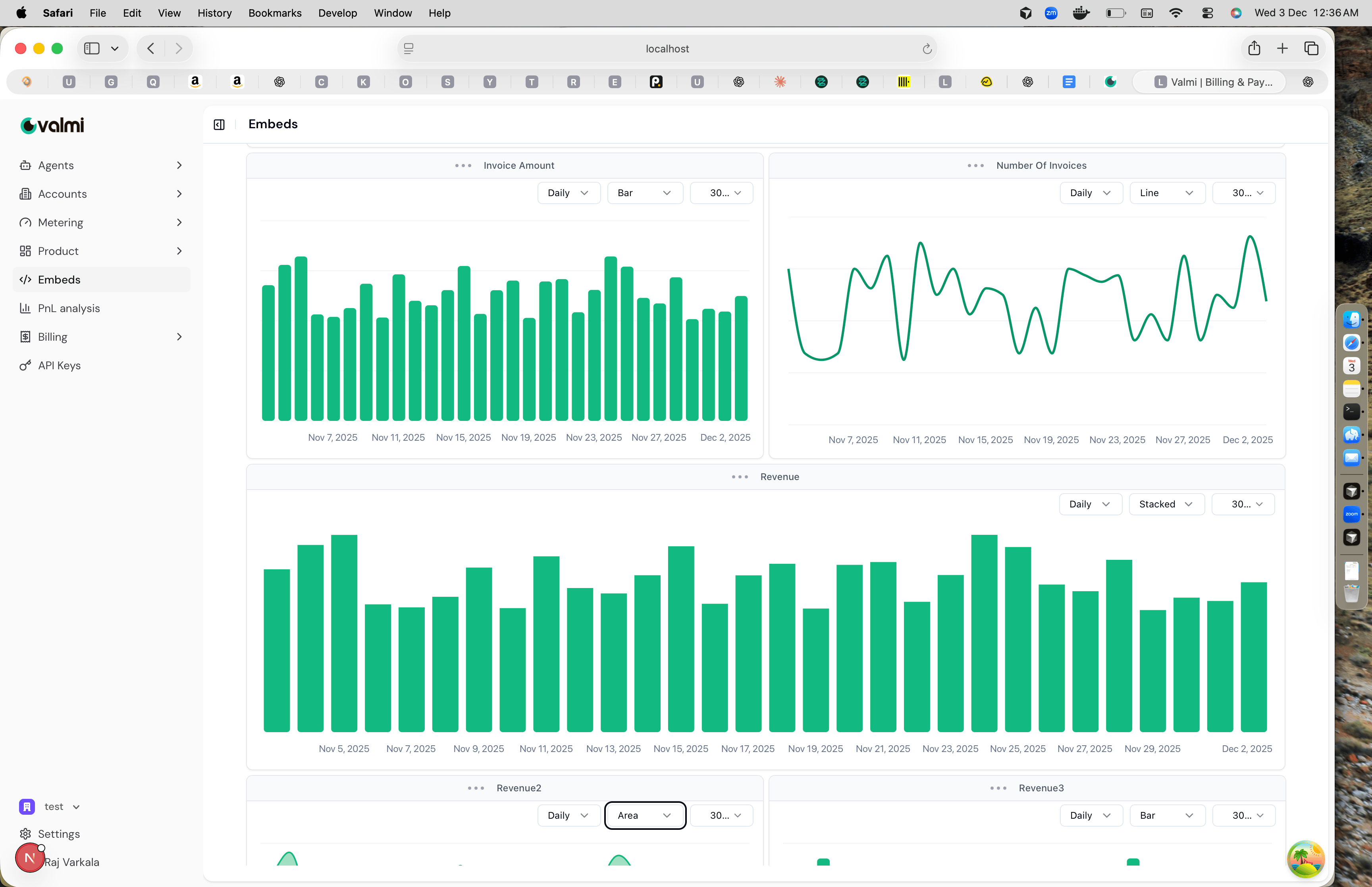
Step 2: Create a New Dashboard
Click Create Dashboard or ”+ Create” and select the customer account from the dropdown.Step 3: Customize Charts
Add and configure charts for outcomes, actions, seats, users, and costs. Each chart can be set to different time ranges, grouping intervals, and visualization styles like bar, line, area, or stacked charts.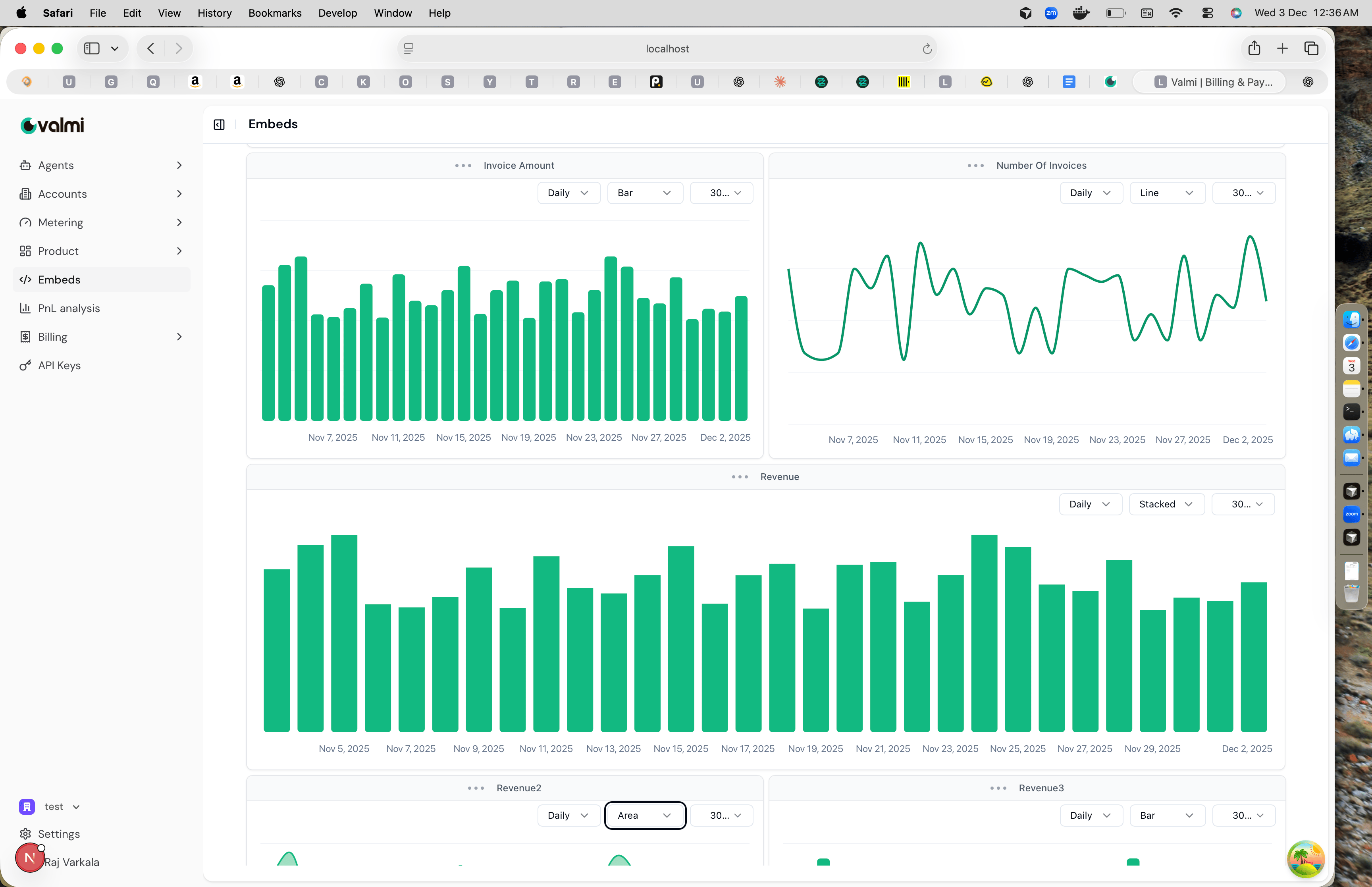
Step 4: Generate Magic Link
After saving, click Generate Magic Link to create a secure link for the customer account.